Description
Fuel your productivity
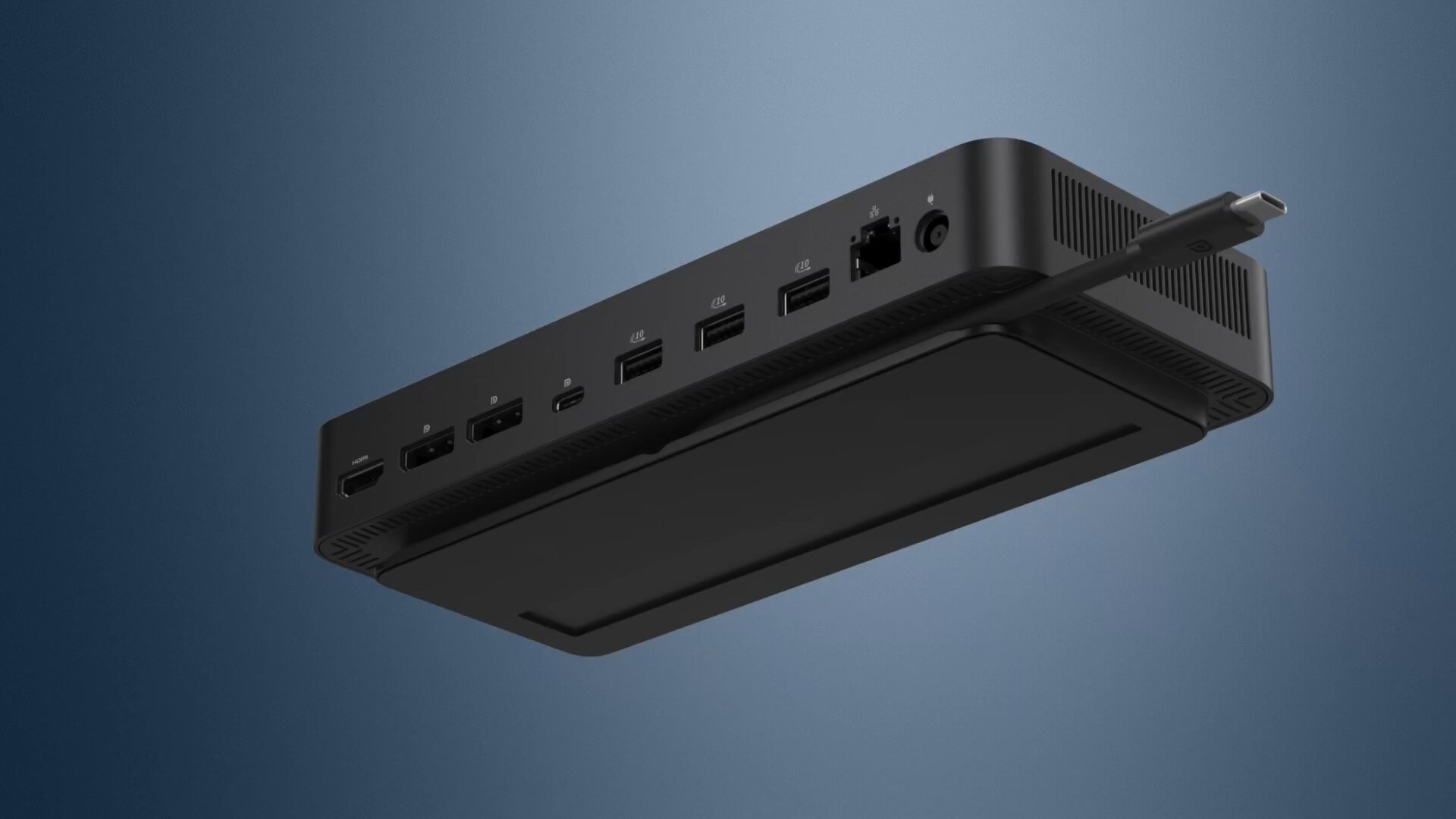
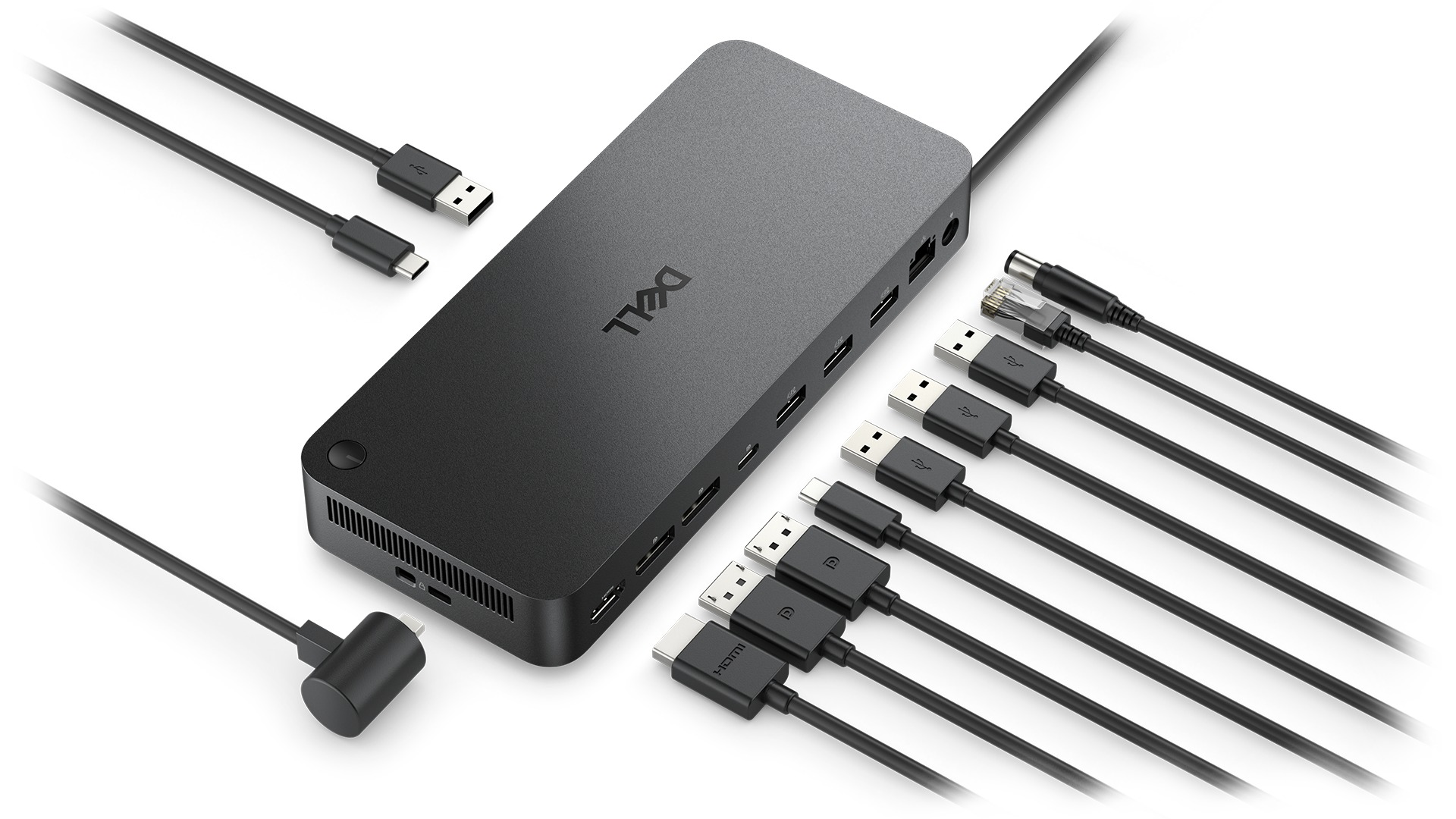
Gain the versatility to create your ideal workspace with a dock featuring 6 USB ports, support for 4 displays and driving up to 100W of power delivery to the latest Dell AI PCs for optimal productivity.
More manageable
Keep your dock up to date and work without interruption.
Improved manageability
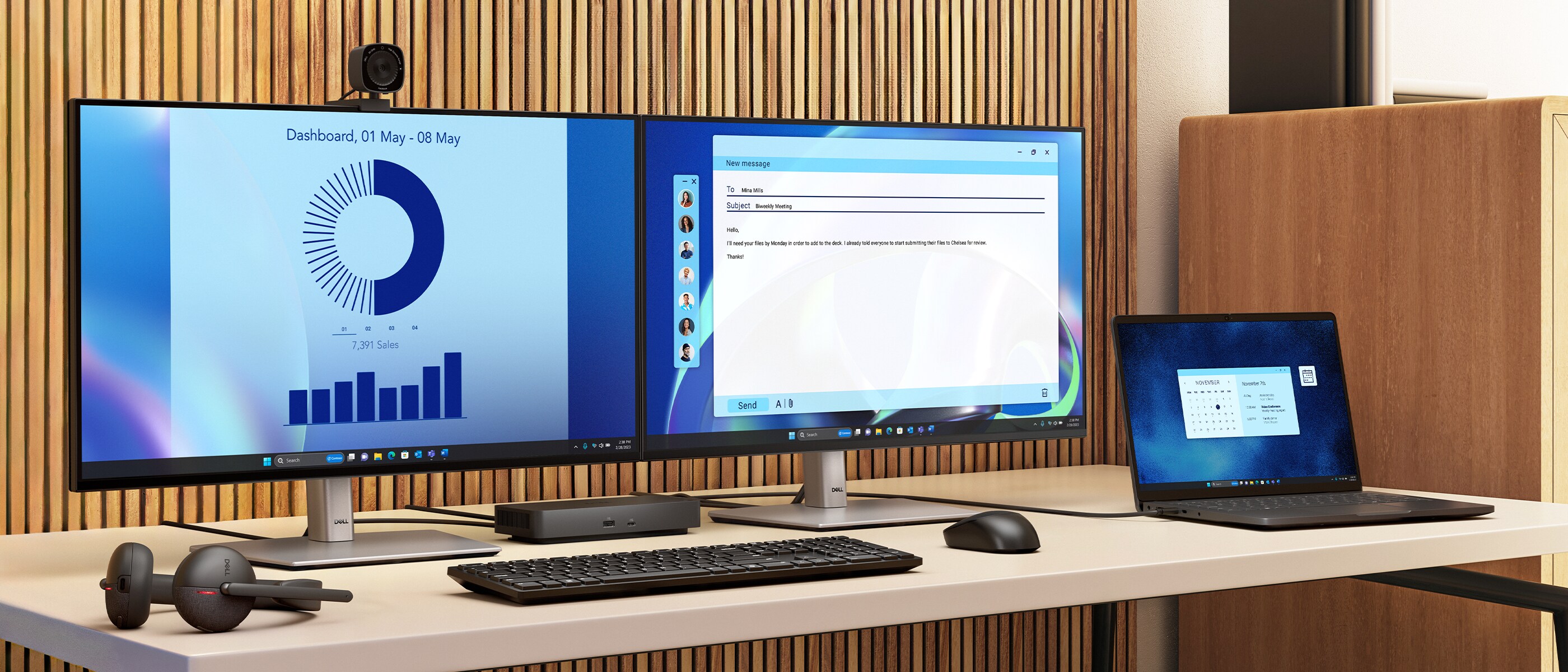
Manage your dock from the Dell Device Management Console by utilizing Dell Display and Peripheral Manager installed on your PC.
Simplify firmware updates
Reduce IT complexity by deploying a single firmware file across workspaces.
Minimize end-user disruption with silent firmware updates that are executed upon dock disconnection.
Work with confidence
Enhance your docking experience with universally compatible features including MAC Address Pass-Through and Power Button Sync[1], for a better docking experience across brands.
Configure your workspace to your liking with a USB-C cable that can be routed left or right.
Connect your way
Configure your workspace to your liking with an ambidextrous USB-C cable[2] that can be routed left or right.
Ports and slots
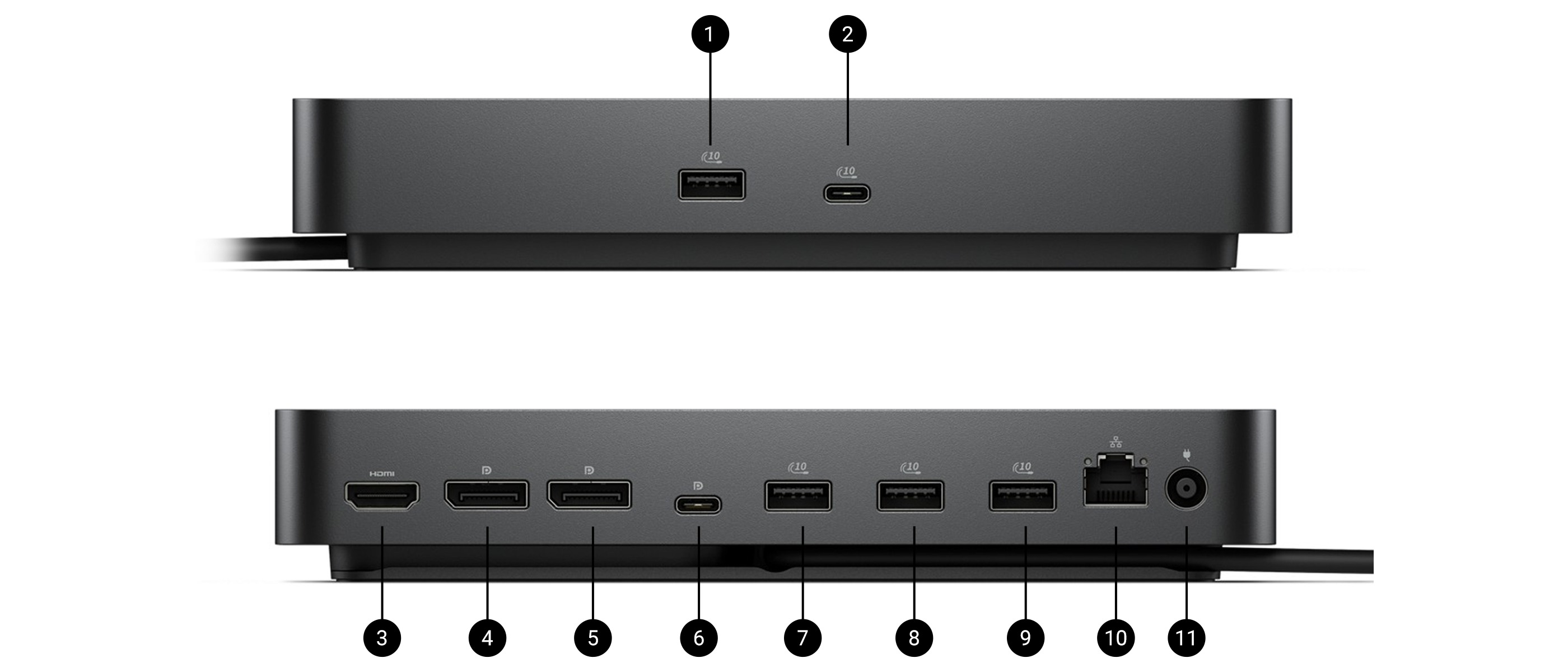
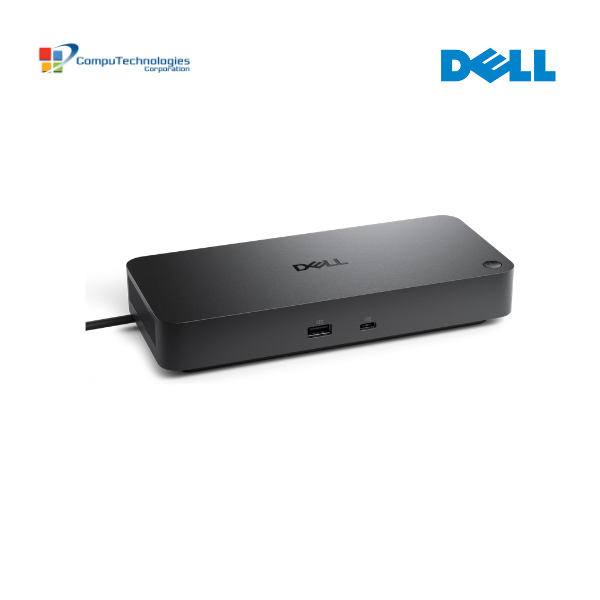
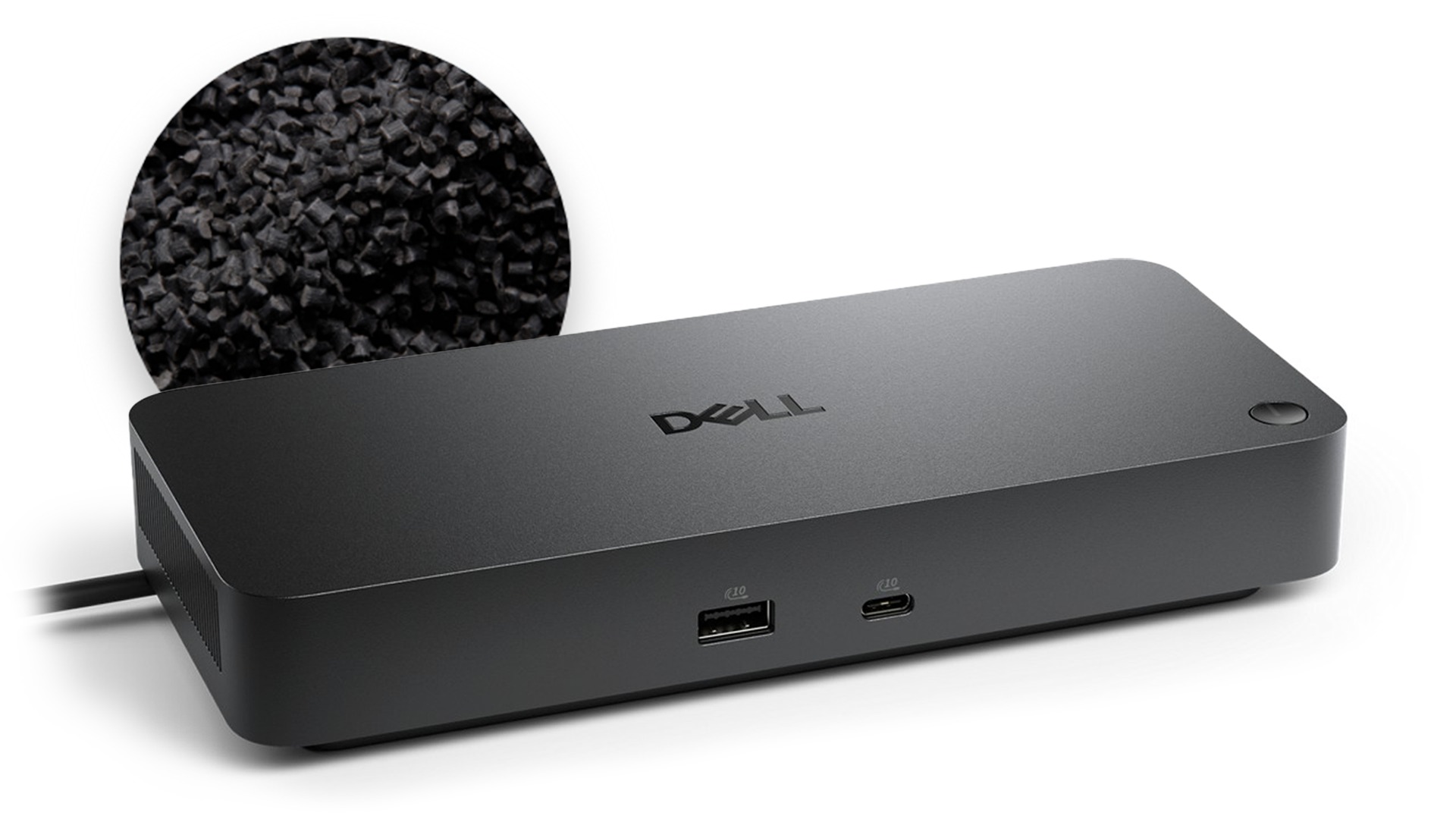
Front side
- USB-A 3.2 Gen 2 with
PowerShare - USB-C 3.2 Gen 2
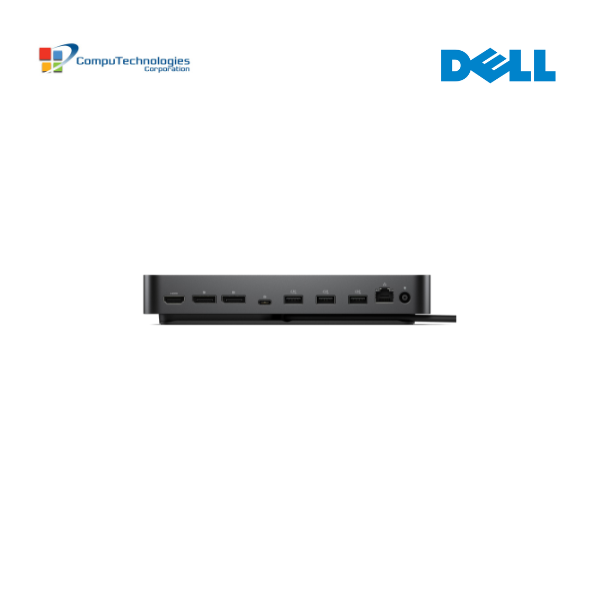
Rear side
- HDMI 2.1
- DisplayPort 1.4
- DisplayPort 1.4
- USB-C 3.2 Gen 2 Multifunction
DisplayPort 1.4 - USB-A 3.2 Gen 2 with
PowerShare
USB-A 3.2 Gen 2 with PowerShare
- USB-A 3.2 Gen 2 with PowerShare
- 2.5 Gigabit Ethernet (RJ45)
- Power In


Reviews
There are no reviews yet.